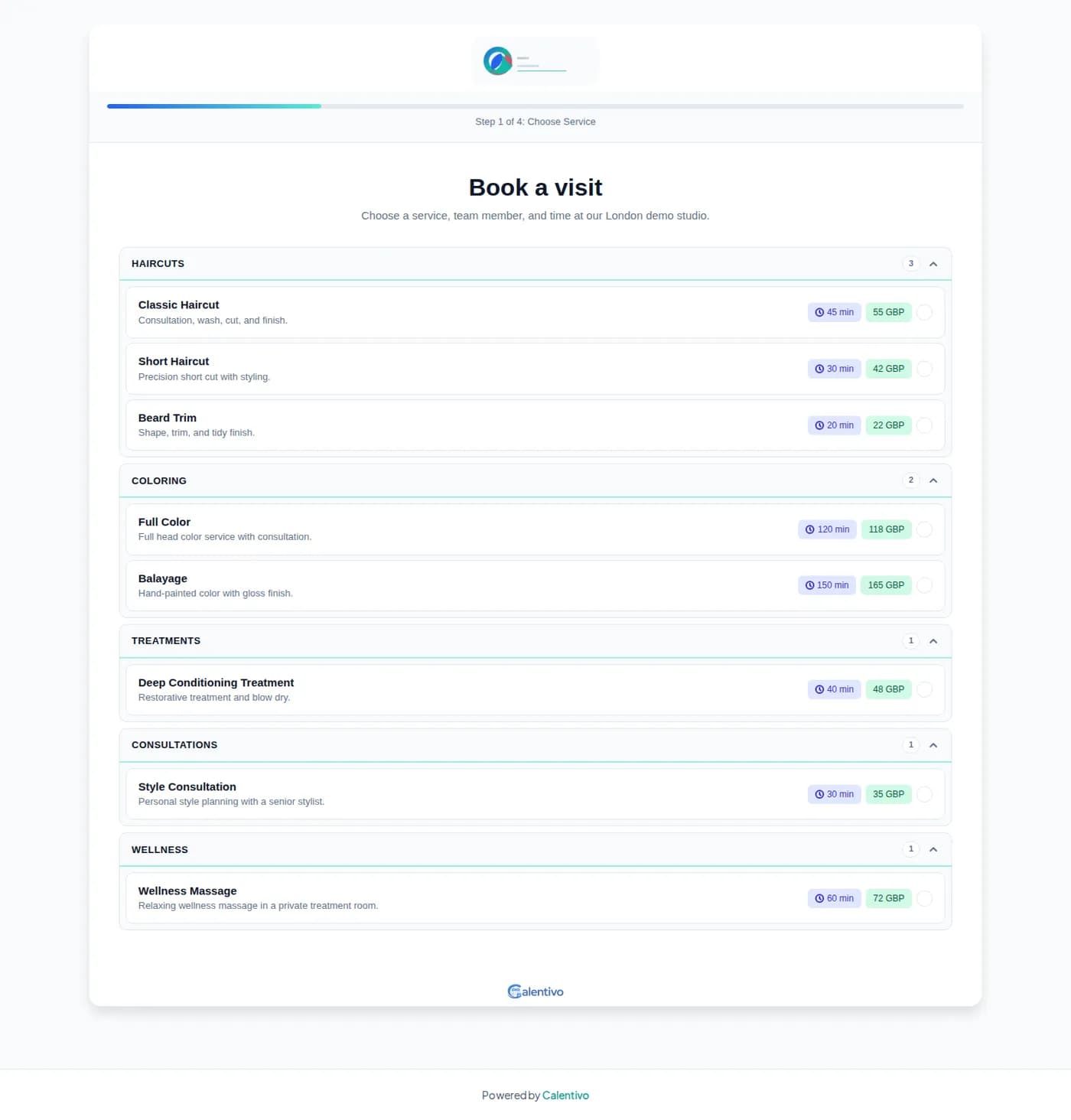
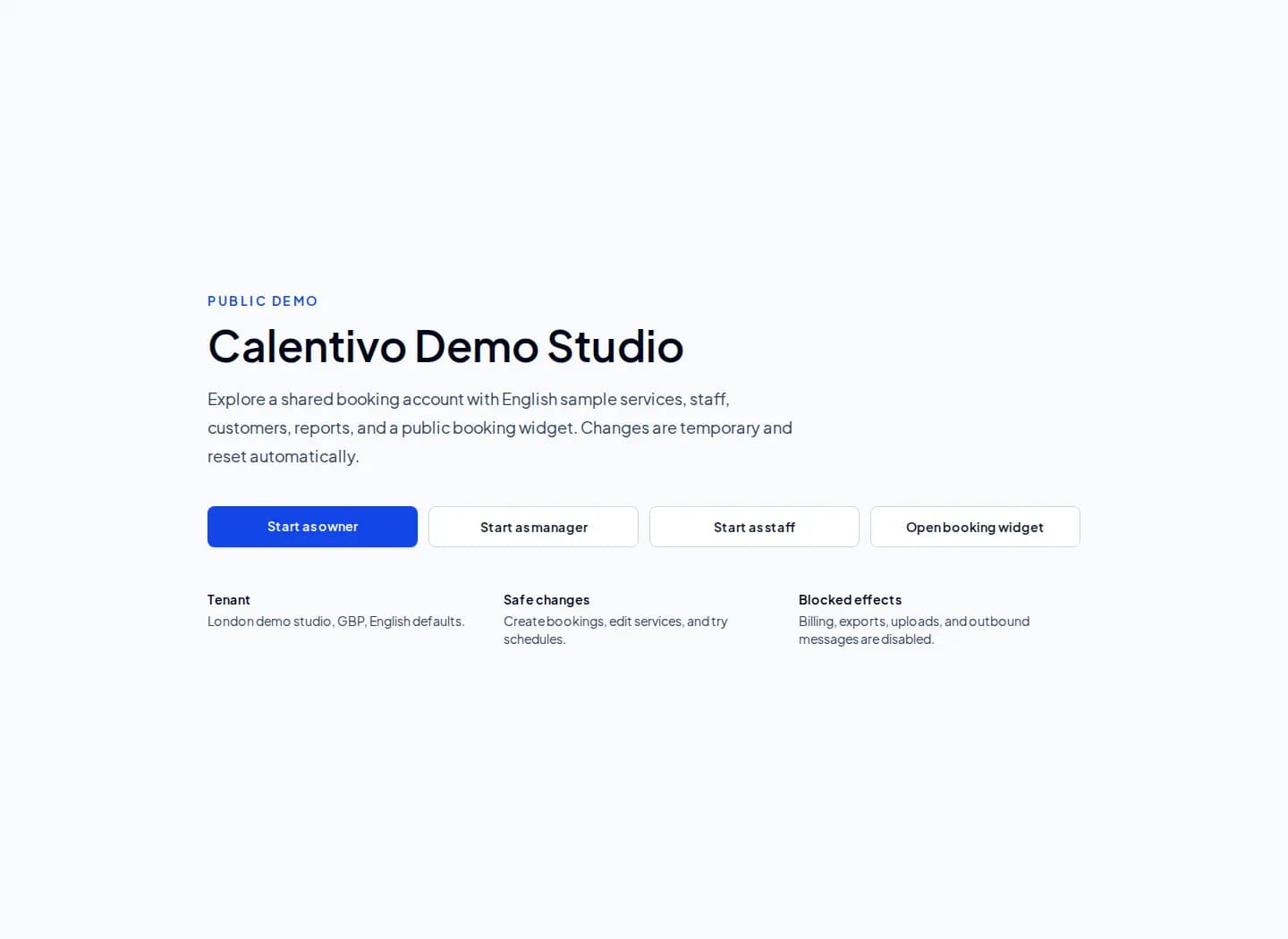

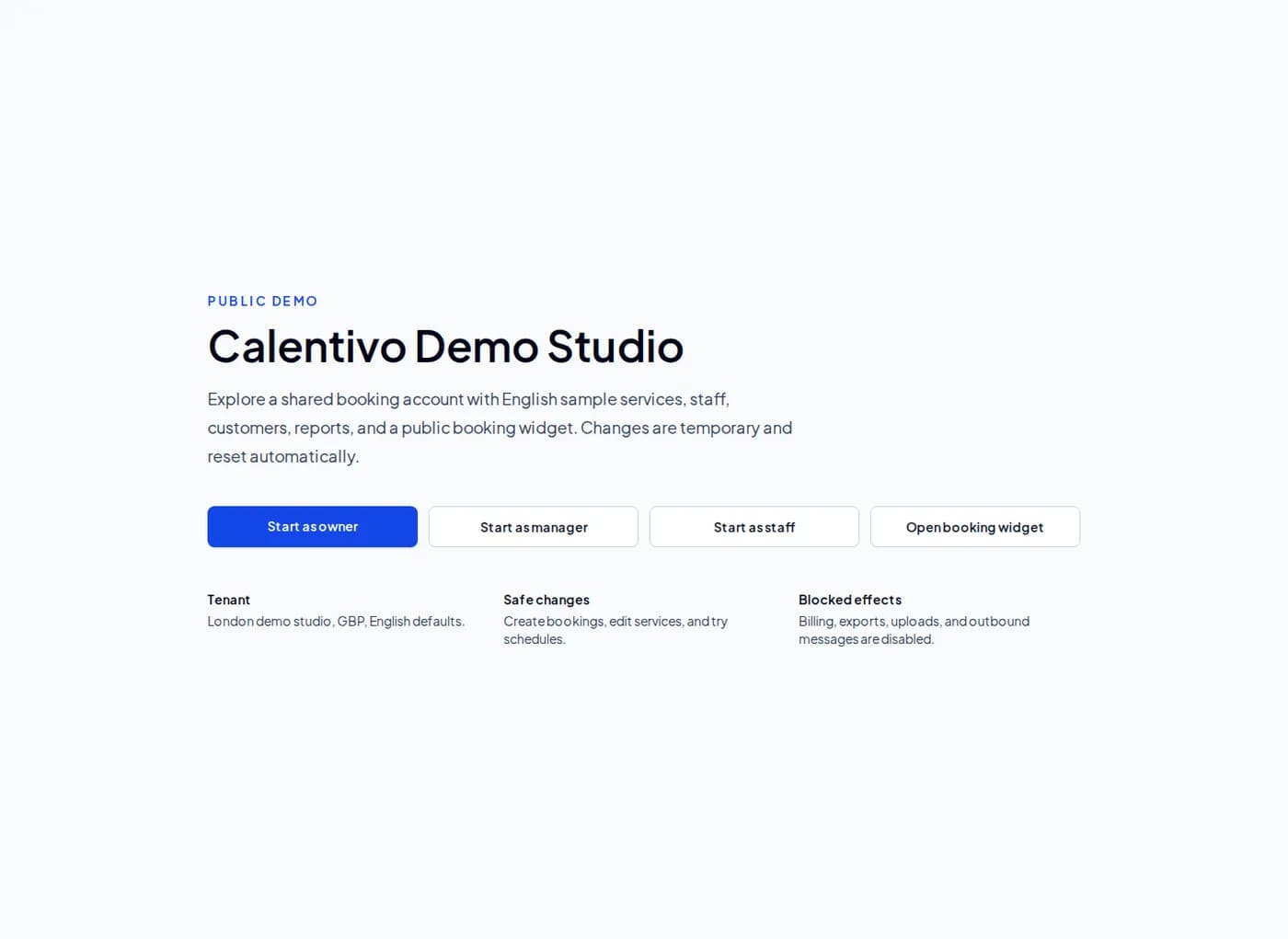
We have made it easier to explore Calentivo before creating an account. The new public demo is available at app.calentivo.com/en/demo, and it opens a shared sample booking account with demo services, team members, customers, reports, and a public booking widget.
The demo is designed for hands-on evaluation. You can enter as an owner, manager, or staff user, look around the product, create or edit sample data, and test the booking experience. Changes are temporary and reset automatically, so it is safe to explore without worrying about breaking anything for the next visitor.
What You Can Try
The demo account is set up as a London studio with English defaults and sample data. After entering the staff view, the dashboard opens with upcoming bookings, revenue metrics, utilization, top services, team performance, and an AI Coach activation score.
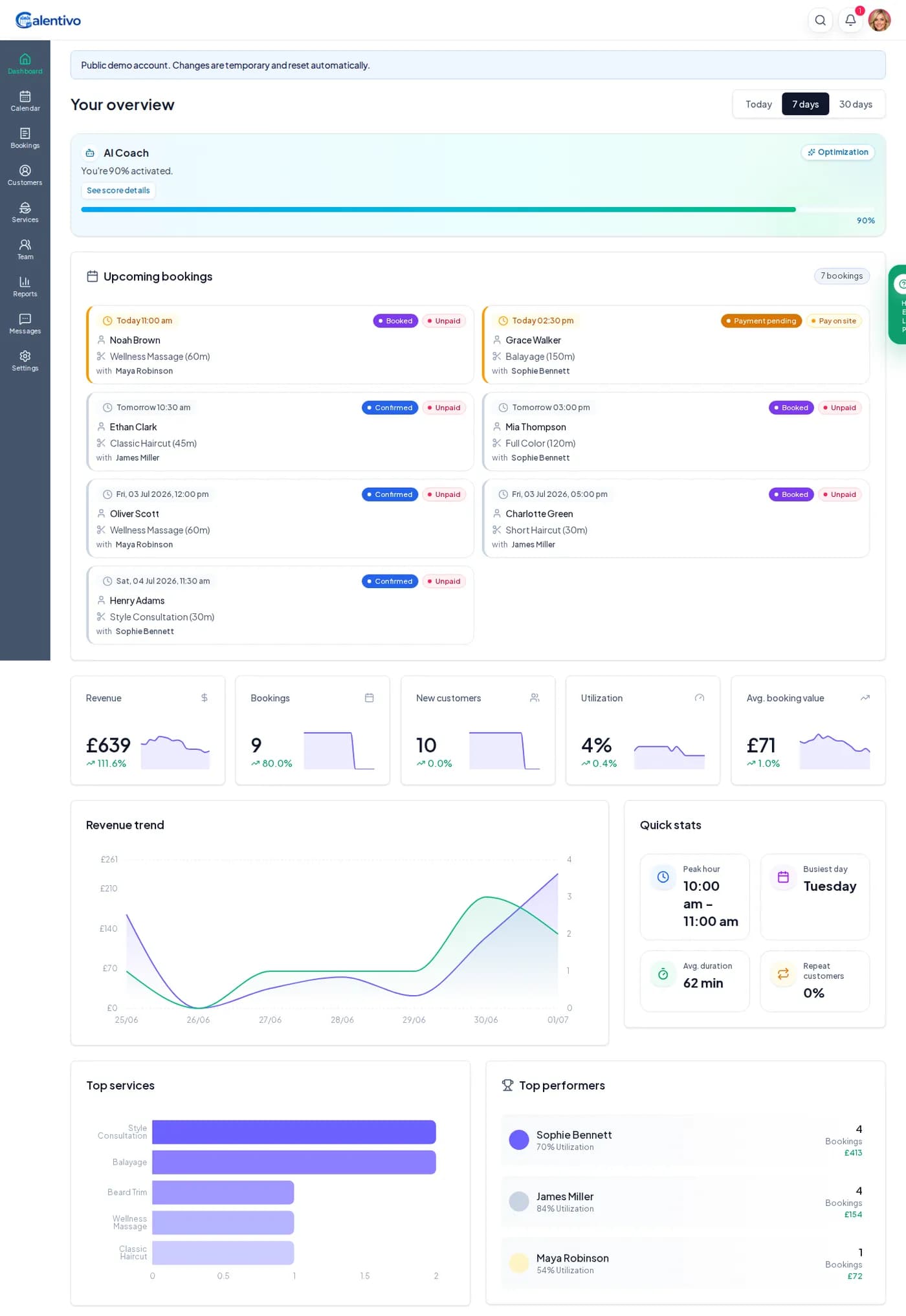
From there, you can move through the main parts of Calentivo:
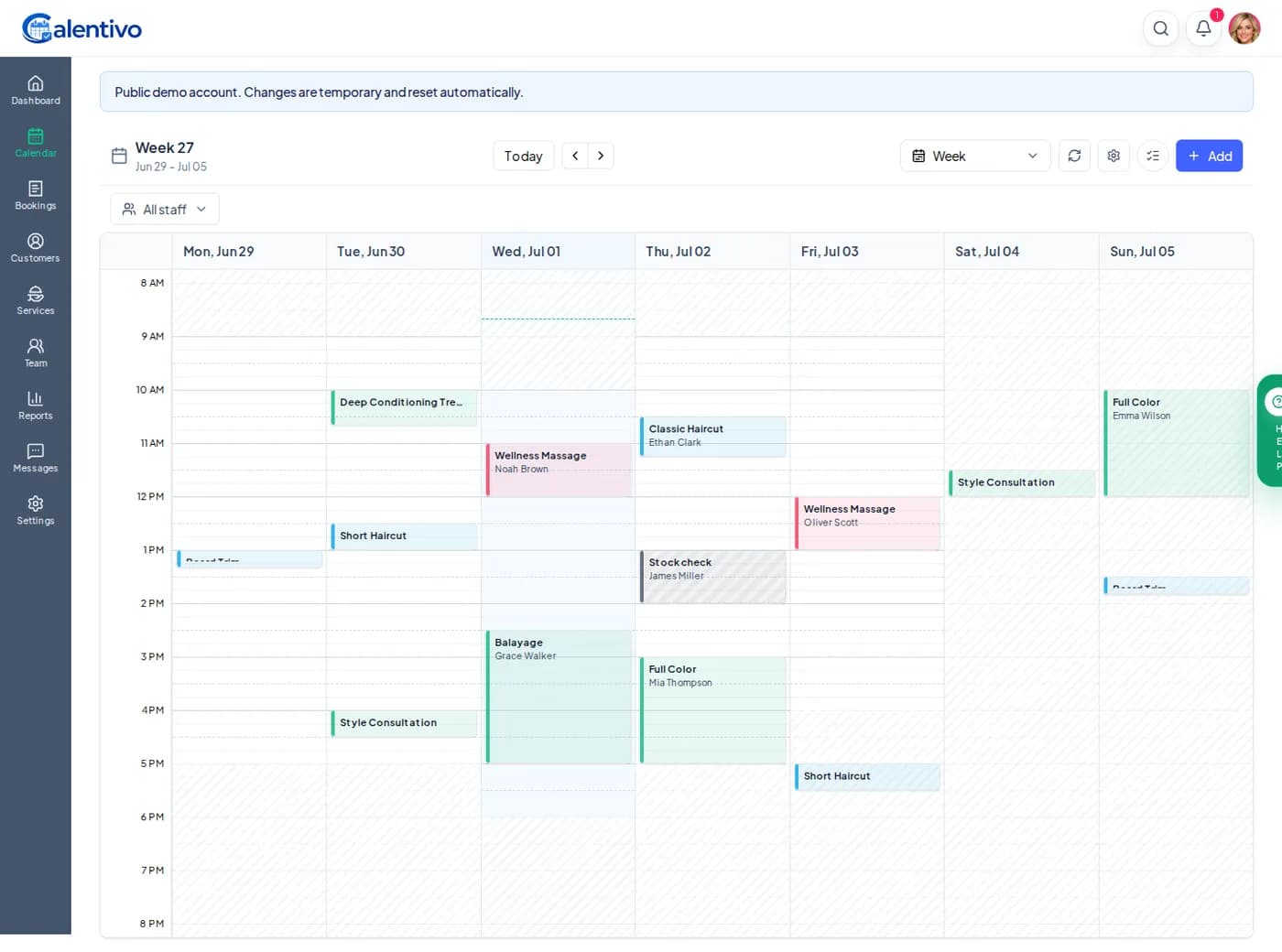
Calendar: see the week view, staff schedule, and sample appointments.
Bookings: browse appointment records, statuses, customers, services, team assignments, prices, and filters.
Customers: review customer profiles, contact details, and completed revenue.
Services: inspect service groups, durations, prices, and active services.
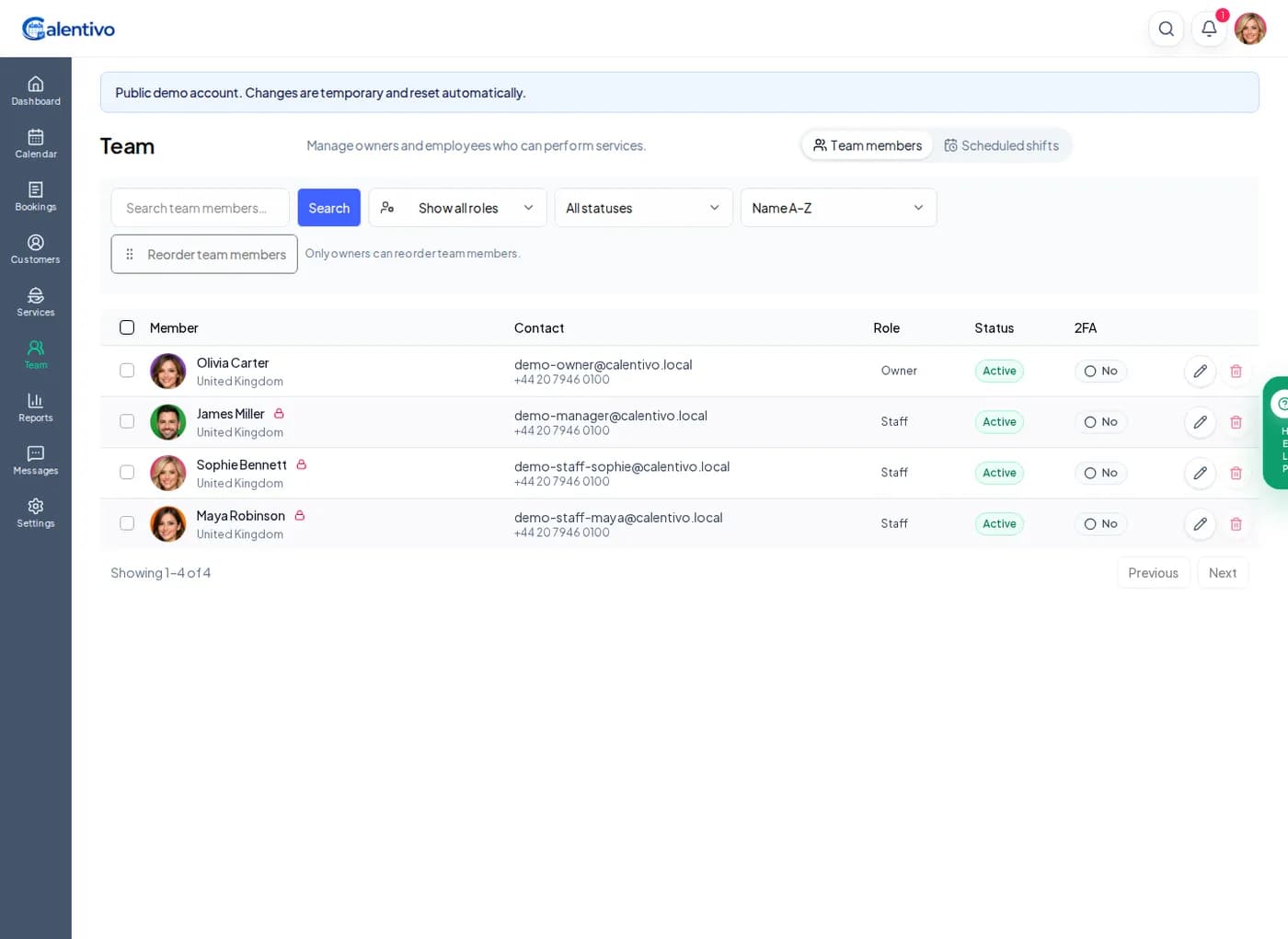
Team: see staff members, roles, scheduled shifts, and account status.
Reports: browse the available reporting areas for appointments, clients, sales, services, and team performance.
Message history: see the communication center without sending outbound messages.